Transactions Search
View Transactions- to view this screen
The transactions tab allows backoffice users to view the authentication history of the application users.
There are two search modes, Advanced and By Transaction ID. They differ only in how you find the transaction: the results table and the transaction details are the same in both.
Search modes
Advanced
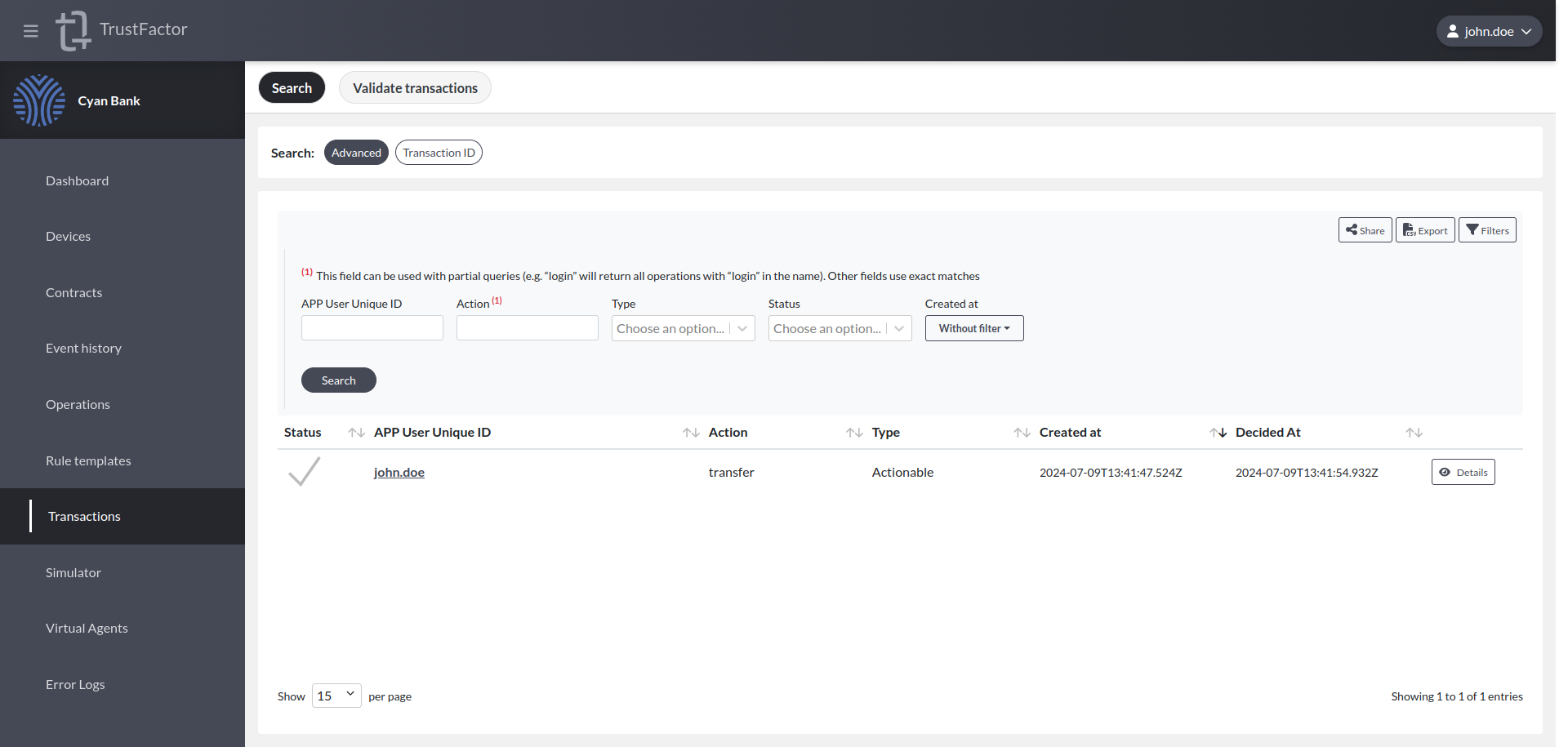
You can filter for:
- App User Unique ID
- Action
- Type
- Status
- Created At (time period)
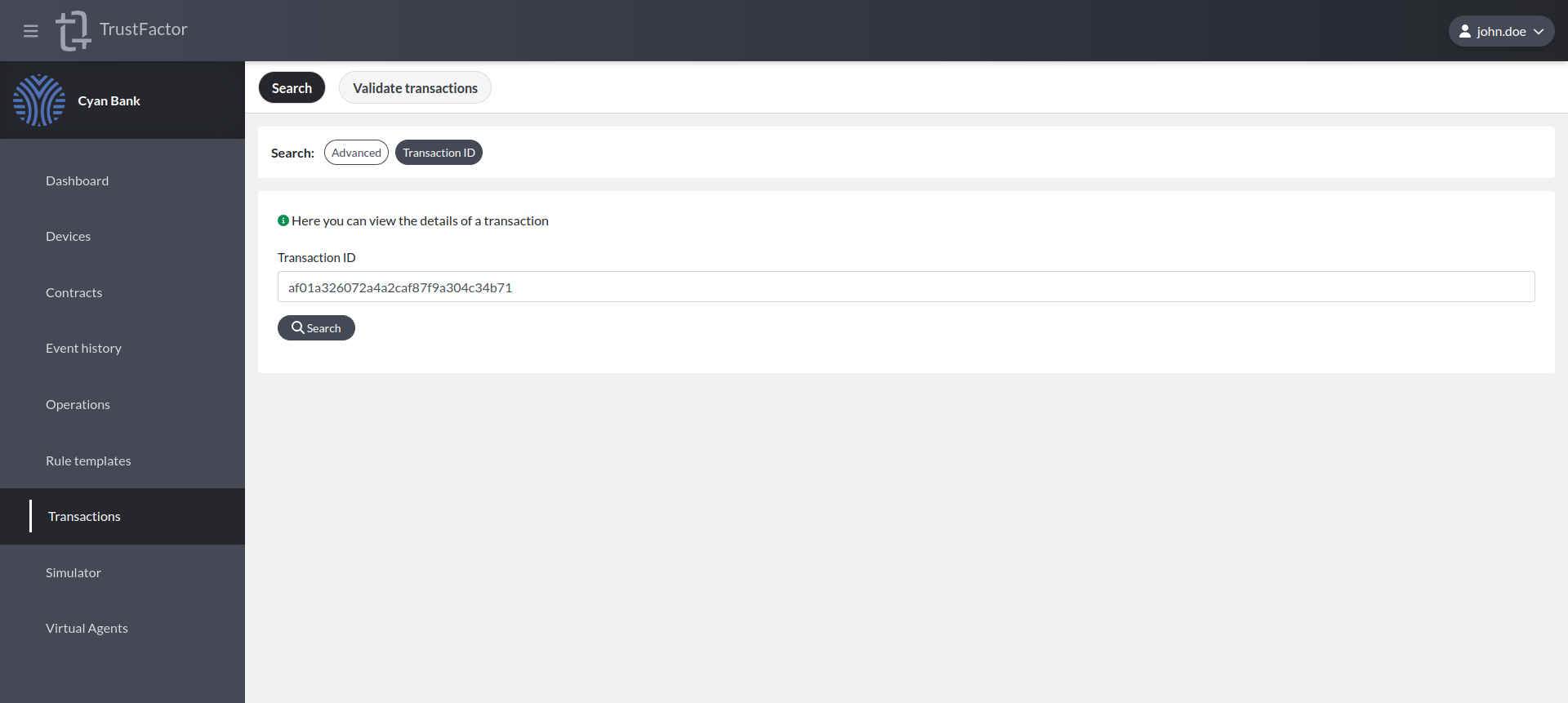
By Transaction ID
Looks up a single transaction by its identifier.
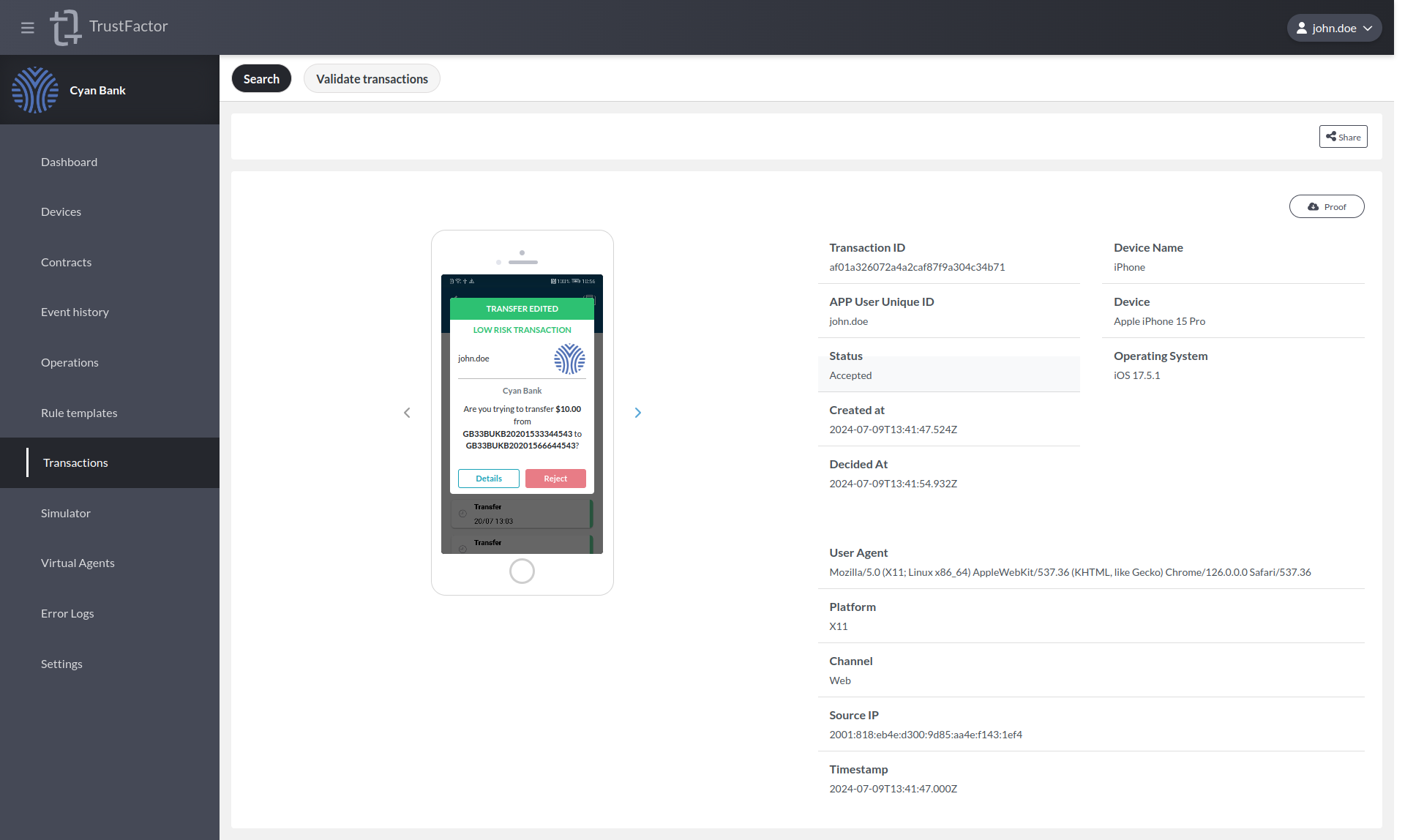
Transaction details
By pressing the "Details" button at the end of the transaction line in the table, you can access a mockup of what the user saw when they interacted with the authentication request.
Confirmation code
If the transaction required a confirmation code, the details show every code that was generated for it, with the correct one and the one the customer chose both marked. Below the list, one of three outcomes is stated:
- The customer chose the correct code.
- The customer chose an incorrect code, and the transaction was failed.
- The customer did not choose a code. No code is required in order to decline a transaction.

This operator view deliberately shows which code was the correct one, because it is what makes the record usable in a dispute. The customer's device is only ever shown the list of options, never the answer, and neither is a Virtual Agent.
A transaction that was failed by a wrong confirmation code is in the Failed status, which is final. It can be searched for using the Status filter like any other status.
Location shared with the decision
When the device shared a position along with its decision, the details show it under Location shared with the decision. If it did not, the details say so explicitly.
This is not the same as Last known device location, which is the last position the device shared out of band and can be of any age or provenance. The two are always shown separately.

Both values, together with the confirmation code, are also carried in the transaction signature proof, under the same labels. See Validate Transactions.